One‑click desktop app
Simple installer — no tech setup. The Python backend starts automatically.
 Data Sage
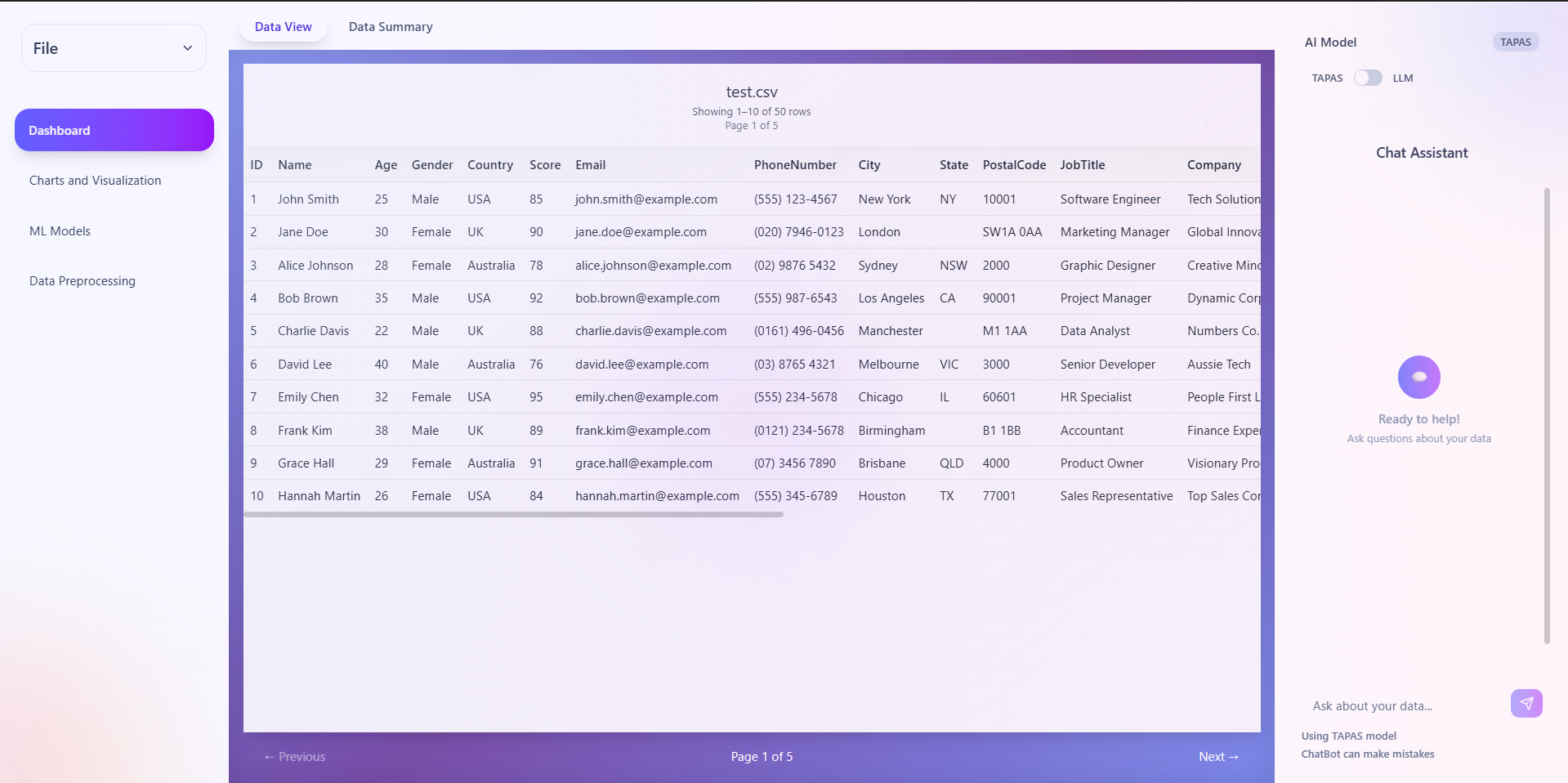
Data Sage is a simple Windows desktop app that loads your CSV/Excel, cleans and summarizes it, builds charts, detects anomalies, runs ML models, and lets you chat with your data using a local LLM.
Private by design. Runs locally with Ollama. No data leaves your machine.
Simple installer — no tech setup. The Python backend starts automatically.
Ask questions in natural language with local LLMs (Ollama). RAG for better answers.
Drop CSV/Excel to explore instantly. Automatic type detection and preview.
Quick tools to handle missing values, fixes, and preprocessing.
Custom and recommended charts to visualize your data beautifully.
Run anomaly detection and classic ML models without leaving the app.
llama3.2:3b if missing.All processing happens locally. No datasets are sent to external servers. The initial model download is the only network-heavy step.
The app bundles what it needs and can auto-install dependencies on first run.
By default, Data Sage uses local models via Ollama (e.g., llama3.2:3b).
It's provided under Apache 2.0 license and offered as-is without warranty.